 Final Code
Final Code vs Firebase App Distribution
Firebase App Distribution gets builds to your testers. Final Code gets them right on your own devices first.
In a nutshell
Choose Firebase App Distribution if you want to send pre-release builds of an iOS or Android app to a group of testers, track who installed them, and collect feedback, all from one console at no cost. It is a strong pick if your app already uses Firebase or Crashlytics.
Choose Final Code if you want to build and test the app yourself, constantly, on the iPhones, Android phones, simulators and emulators connected to your Mac. Final Code builds from your source code, updates every open simulator and emulator when you save, and installs release builds on real phones in seconds to minutes.
One is for the people testing your app. The other is for you, before they ever see it. They fit together naturally.
What Firebase App Distribution offers
Google built App Distribution as part of Firebase. According to Firebase's documentation at the time of writing:
- It is listed among the Firebase products with full usage at no charge on any pricing plan.
- You upload an iOS IPA or an Android APK in the console, or with the CLI, fastlane or Gradle, and pick tester groups.
- Testers receive email invitations, which they have 30 days to accept, and email notices for new builds.
- You can see whether each tester accepted and downloaded the build.
- Builds stay available in the console for 150 days.
- You can add in-app feedback so testers can send notes with screenshots.
That is a generous, practical service, and the cross-platform part is a real advantage over Apple-only or Google-only tools.
The details worth knowing
Two platform rules shape how it works. On iOS, builds are typically ad hoc, which means each tester's device UDID must be registered with your Apple developer account and included in the provisioning profile; App Distribution collects UDIDs from testers and emails them to you, then you rebuild with the updated profile. On Android, uploading an App Bundle (AAB) instead of an APK requires linking Firebase to Google Play, and testers turn on internal app sharing in the Play Store app once. Neither is hard, but both take some first-time care.
Final Code and Firebase App Distribution compared
| Final Code | Firebase App Distribution | |
|---|---|---|
| Who it serves | You, while building | Your testers, before release |
| Starts from | Your source code | A finished IPA, APK or AAB |
| iPhone and Android | Yes, in one window | Yes |
| Simulators and emulators | Mirrored in one window | No, real tester devices |
| Testers anywhere in the world | Devices on your Mac; Android QR share on your Wi-Fi | Email invites and links |
| Live reload | Every open simulator and emulator | New release each time |
| Registering iPhone UDIDs | Signs for your connected iPhone automatically | Needed for ad hoc builds; collected for you |
| Build retention | Build history, reinstall in one click | 150 days in the console |
| Tester tracking and feedback | Not a tester tool | Accepted, downloaded, in-app feedback |
| Crashes | Issues box and readable crash reports, as they happen | Pairs with Firebase Crashlytics |
| Firebase setup problems | Explained with the right dashboard link | Firebase console |
| Your computer | Mac only | Any computer with a browser or CLI |
| Price at the time of writing | $29/month or $249/year, 14-day free trial | No cost |
How setup feels
For App Distribution, you add your app to a Firebase project, prepare a signed build, upload it and invite testers. Teams that already ship with fastlane or Gradle can automate uploads in a few lines. On iOS, expect a round of collecting device IDs from new testers.
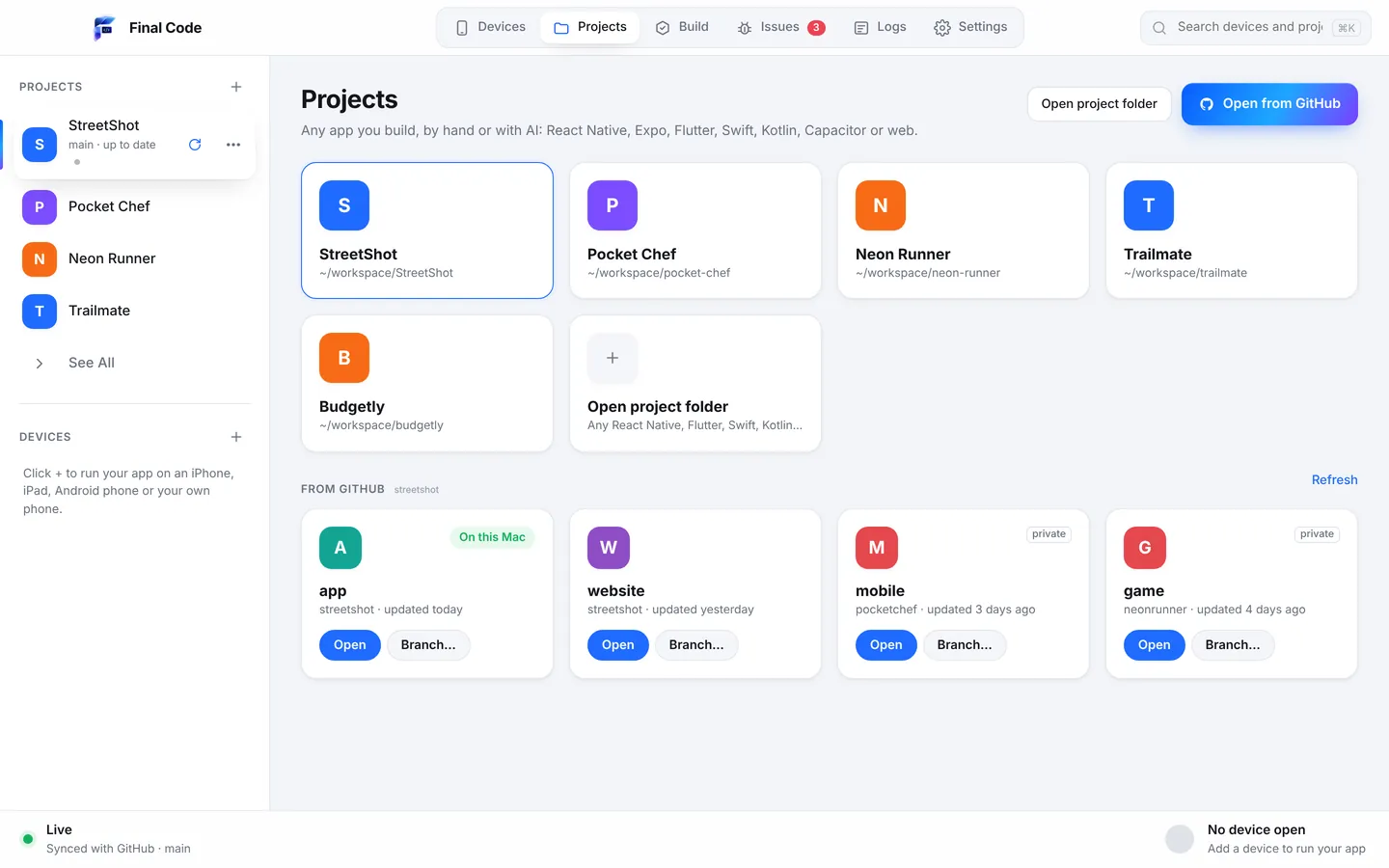
For Final Code, you download the Mac app and open your project, from a folder or from GitHub. It detects the type, from Swift and Kotlin to React Native, Flutter and Unity, and builds it. Your own iPhone is signed for automatically when you plug it in, unlock and tap Trust. No device ID spreadsheets for your own phones.
Speed
Distribution tools are built around releases: build, upload, notify, install. That rhythm suits a daily or weekly test build for a group. It does not suit checking whether a button now lines up.
Final Code is built around saves. Code changes show instantly on every open simulator and emulator. A real-phone release build arrives from your Mac in seconds to minutes, and Final Code only rebuilds native code when native code or libraries change. Shared download and compiler caches help every project.
Real devices and simulated devices
Firebase App Distribution is all real devices, your testers' own, with all the variety that brings. That is valuable feedback you cannot get on your desk.
Final Code mixes real and simulated. Real iPhones by cable, Android phones by cable or Wi-Fi pairing code, and iOS Simulators and Android Emulators mirrored live in one window. Each device has an inspector for orientation, appearance, larger text, network (Wi-Fi, 5G, offline), GPS presets and battery, so you can check the awkward cases before testers find them.
Release builds and development builds
Testers should always get release-style builds, and App Distribution delivers exactly what you upload. Final Code makes sure that upload is a good one: real phones in Final Code get release builds with the code inside, so you meet release-only crashes yourself first. Project check looks for common causes, such as React Native APIs removed in your version, before you build at all.
If Final Code patched a library on your Mac, "Store builds need a fix" adds the same fix to your project with patch-package and pushes it, so the build you upload to Firebase, TestFlight, EAS or Play matches what you tested.
Debugging and crash reports
Firebase's strength here is Crashlytics, which gathers crashes from testers and users in the field. If you use App Distribution, pairing it with Crashlytics is a sensible move.
Final Code covers the crashes that happen in front of you. The Issues box turns each error, crash, failed build and setup problem into one issue per project with counts, device, stack and the log lines just before. Real-phone launches get session logs with the JavaScript console, native output and crash reports with readable function names. If your app fails because Firebase is not set up for it, or a Supabase sign-in method is switched off, Final Code says so in plain words with a link to the right dashboard.
AI coding tools
Firebase App Distribution has a CLI that scripts and AI agents can call to upload builds. Final Code helps at the earlier stage: your assistant reads the .finalcode folder for status, logs, issues and screenshots, and asks Final Code to build, run, reload, tap, swipe, type and take screenshots on real devices. When the AI pushes a commit, Final Code pulls it within a minute and every open device reloads. See AI app builders.
Price
App Distribution costs nothing, according to Firebase's pricing documentation at the time of writing. Final Code is $29 a month or $249 a year after a free 14-day trial with no card, on up to 3 Macs. See pricing. You may well use both: free distribution for testers, Final Code for your own daily work.
Privacy
With App Distribution, builds are uploaded to Google so testers can download them, and testers sign in with a Google account for some flows. With Final Code, your code stays on your Mac during development and the app has no analytics. The membership check sends only your email, plan and a one-way code for the Mac.
Who should use which
- Teams with testers on both iPhone and Android: Firebase App Distribution for getting builds to them.
- Apps already on Firebase: App Distribution plus Crashlytics, for one console.
- Developers testing every change on a Mac: Final Code.
- Solo builders and AI-assisted makers: Final Code daily; App Distribution or TestFlight when friends and clients need a copy.
Using Final Code with Firebase App Distribution
- Open the project in Final Code and keep a simulator, an emulator and your own phones running while you work.
- Fix what project check and the Issues box flag, including any Firebase setup problems.
- Press "Store builds need a fix" if Final Code patched a library, so your release build includes it.
- Upload the release build to App Distribution and notify your tester groups.
- When testers report a bug, reinstall the same build from Final Code's build history on your own phone and investigate.
For Apple's own beta service, read Final Code vs TestFlight. To compare every option at once, see all comparisons, and see the full feature list on Final Code features.
Do I still need Firebase App Distribution if I use Final Code?
If other people need to test your app on their own phones, yes, or a similar service such as TestFlight. Final Code is for your own testing on devices connected to your Mac. Firebase App Distribution sends builds to testers anywhere by email invitation, at no cost, on both iOS and Android.
How do I install my iOS app on my iPhone without registering a UDID?
For your own iPhone, connect it to your Mac by cable, unlock it and tap Trust. Final Code signs the app for your phone automatically using an App Store Connect API key or the account in Xcode, then installs a release build. Sending ad hoc builds to other testers' iPhones does still require their UDIDs.
Is Firebase App Distribution free?
Yes. At the time of writing, Firebase lists App Distribution among the products with full usage at no charge on every pricing plan. Final Code is a paid Mac app, $29 a month or $249 a year after a 14-day free trial, and the two are often used together.
How long do Firebase App Distribution builds last?
Firebase's documentation says distributed builds stay available in the console for 150 days, with a notice 30 days before they expire. In Final Code, every build that went onto a real phone stays in build history with its commit, date and size, and can be reinstalled in one click.
Can I distribute an Android App Bundle with Firebase?
Yes, but Firebase's guide says you must link your Firebase app to Google Play, the app must be on a Play track, and testers need to enable internal app sharing once. APK uploads skip those steps. Final Code installs release builds directly on Android phones connected by cable or Wi-Fi.
What is the fastest way to test an app on iPhone and Android before sending it to testers?
Test locally first. Final Code shows your app on iOS Simulators, Android Emulators, real iPhones and real Android phones, updates simulators and emulators instantly when you save, and installs release builds on phones in seconds to minutes. Upload to your distribution service only when the build is ready.
Why does my app crash with a Firebase error on launch?
Often Firebase is not set up for that app or platform, for example a missing configuration file. Final Code detects setup problems like this and explains them in plain words with a link to the right dashboard. The crash also appears in the Issues box with the stack and the log lines just before.
Can Final Code share an app with testers?
Partly. Final Code can share an Android build with anyone on the same Wi-Fi using a link and QR code, which is handy in an office or at a meetup. It does not send iPhone builds to remote testers. For that, use Firebase App Distribution or TestFlight.
Send your testers a build you trust
Test every change on your own devices with Final Code, then distribute with confidence. Try it free for 14 days.
Product names are trademarks of their owners. Comparison based on publicly available information as of October 2026.